Codex.Wiki
Wraeclast Market logo
Free Chrome extension · open source

Wraeclast Market

The Path of Exile trade site, sharpened.

Filter by any mod straight from a result, see how good every roll is, preview quality before you buy, and copy items into Path of Building. All of it on the official trade site, for Path of Exile 1 and 2.

  • PoE 1 + PoE 2
  • No account, no sign-in
  • No background requests
pathofexile.com/trade2
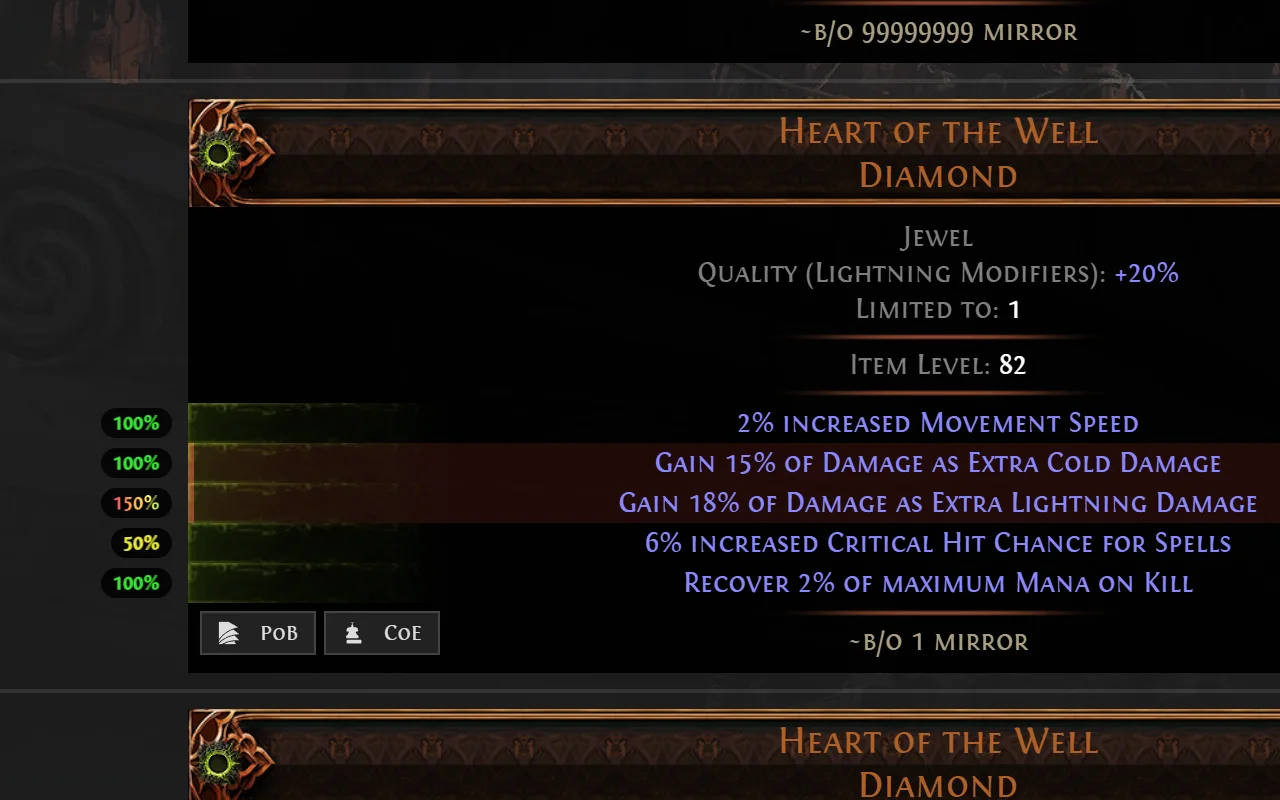
A jewel on the Path of Exile 2 trade site with roll quality percentage pills beside each mod and PoB and CoE copy buttons

What it adds

Everything happens on the result you're looking at.

No new tabs, no typing stat names into the sidebar. The controls sit on each listing.

01Stat filters

Filter from the result, not the sidebar

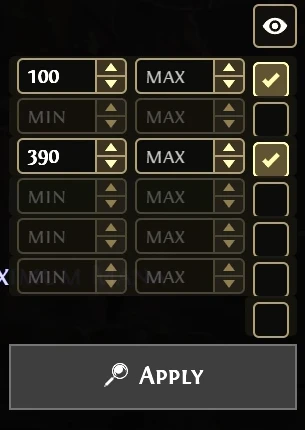
Every mod gets min/max boxes and a checkbox. Tick the mods you care about, type a value, press Enter. The search re-runs in place, with no page reload.

  • Reads each mod's exact stat id, so local and global, fractured, desecrated and crafted variants all match correctly.
  • The Ø button excludes a mod on the spot by adding it to the search's Not group.
  • Mods with no number, like Cannot be Ignited, filter by presence. Untick a mod to drop its filter.
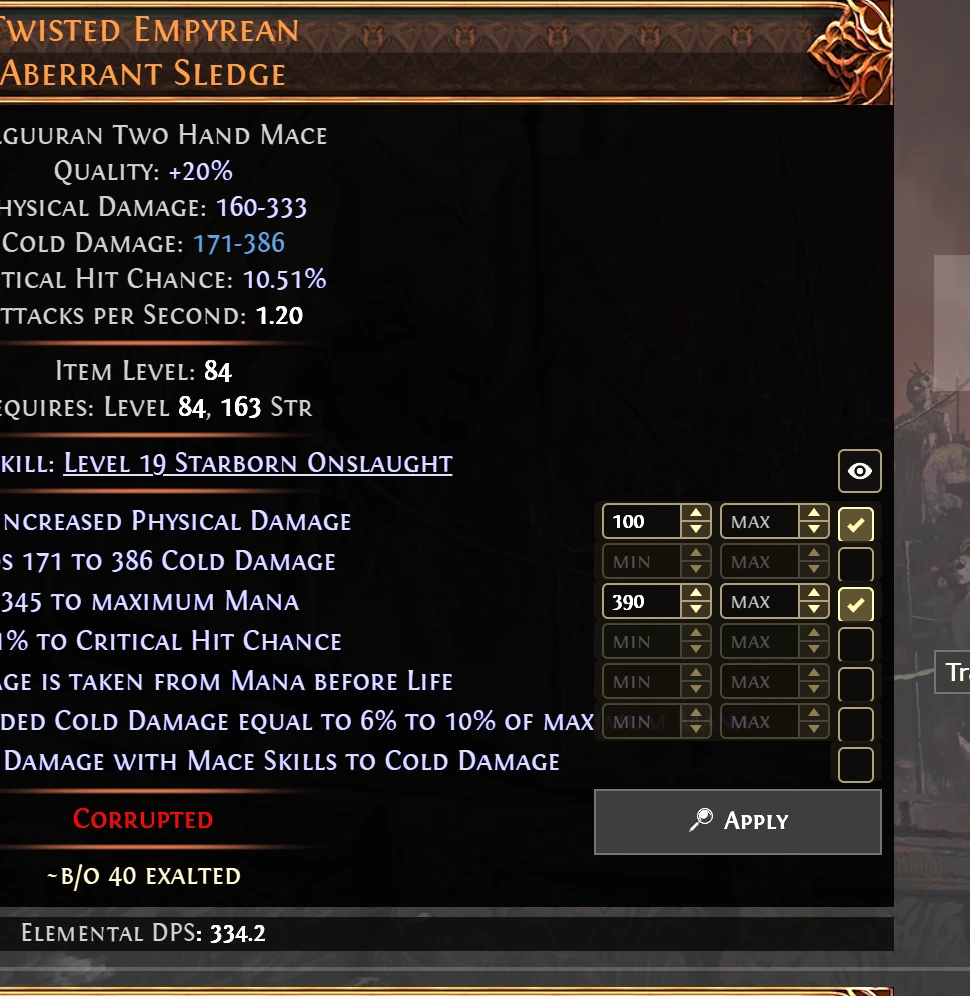
A two-hand mace listing with min and max boxes and checkboxes beside every mod, two mods ticked, and an Apply button below

02Roll quality %

See how good every roll is

Each rolled prefix and suffix shows where it landed inside its tier range, as a colour-graded pill beside the item: red is low, green is high. A corrupted over-roll past the tier maximum turns rainbow.

  • Accounts for catalyst quality on rings and amulets.
  • Read straight from the trade card, so it costs zero extra requests.
pathofexile.com/trade2
Roll quality pills reading 100%, 100%, 150%, 50% and 100% in the margin beside a jewel's mods, coloured from yellow to green with a rainbow over-roll

03Corrupted quick-filter

Corrupted or not, in one click

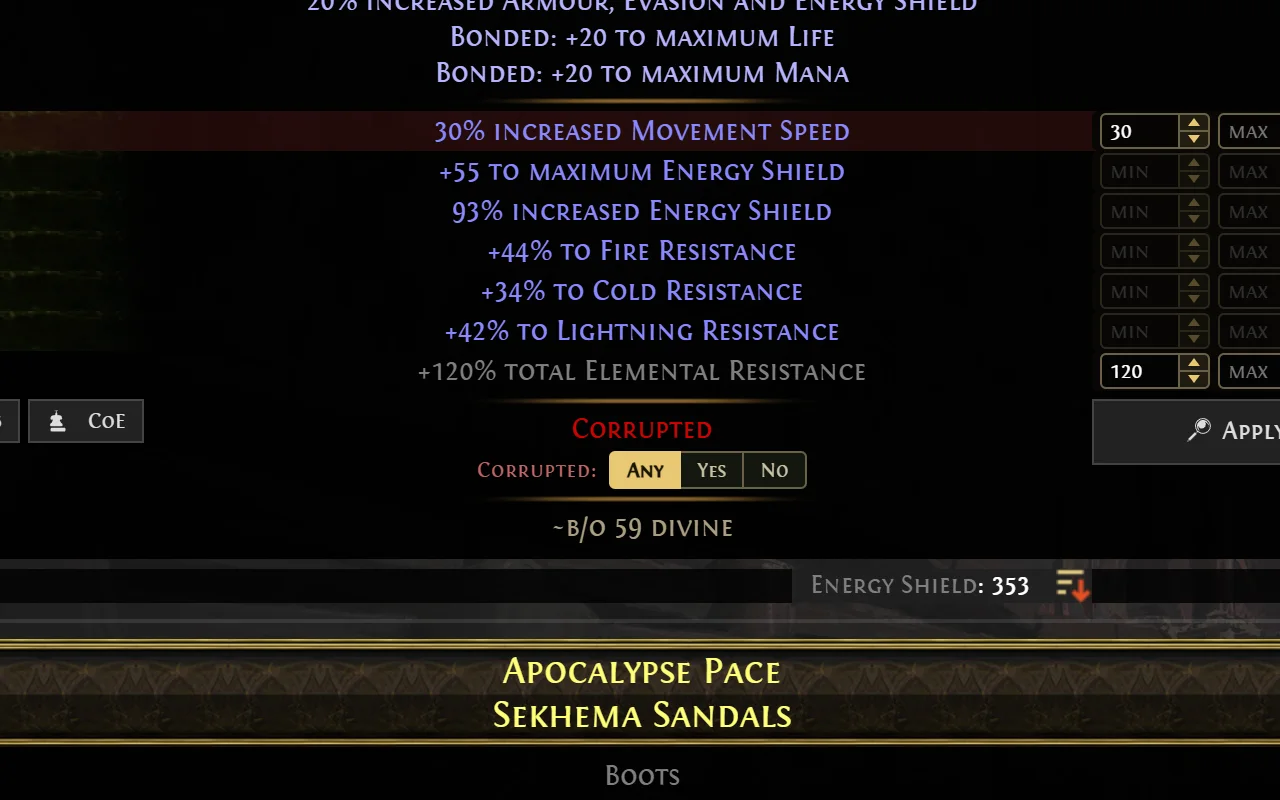
Corrupted items get an Any / Yes / No switch right under the red Corrupted line. Click one and the search-wide filter is set and the search re-runs in place. Twice Corrupted has its own switch.

pathofexile.com/trade2
An Any, Yes, No switch below the red Corrupted line on a pair of boots, next to the stat filter boxes

04Mageblood · PoE 2

Know what a Mageblood actually does

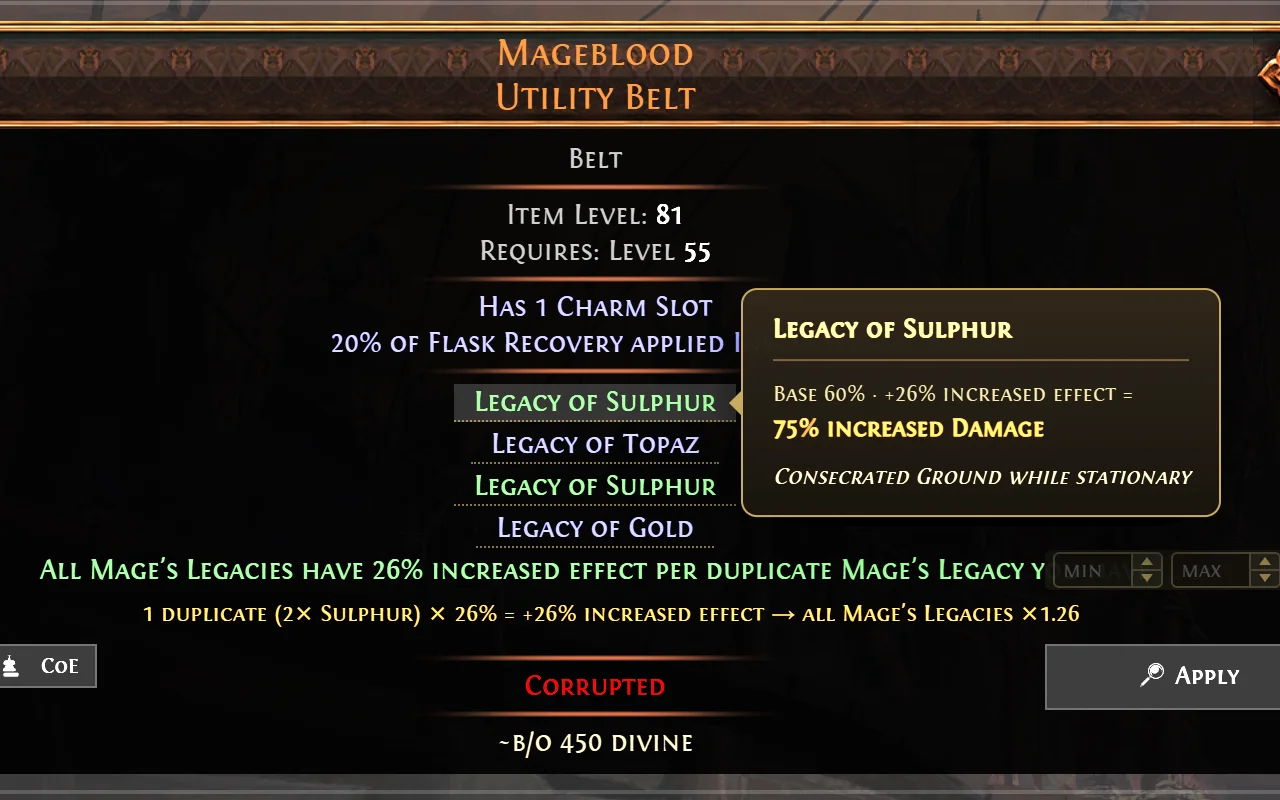
The trade card only prints Legacy of X, never the effect. Hover a Legacy to see what it grants, with the increased-effect-per-duplicate maths worked out the same way Path of Building does it.

pathofexile.com/trade2
Hovering Legacy of Sulphur on a Mageblood shows a tooltip: base 60%, plus 26% increased effect, equals 75% increased damage

05Copy for PoB · CoE

Straight into Path of Building or Craft of Exile

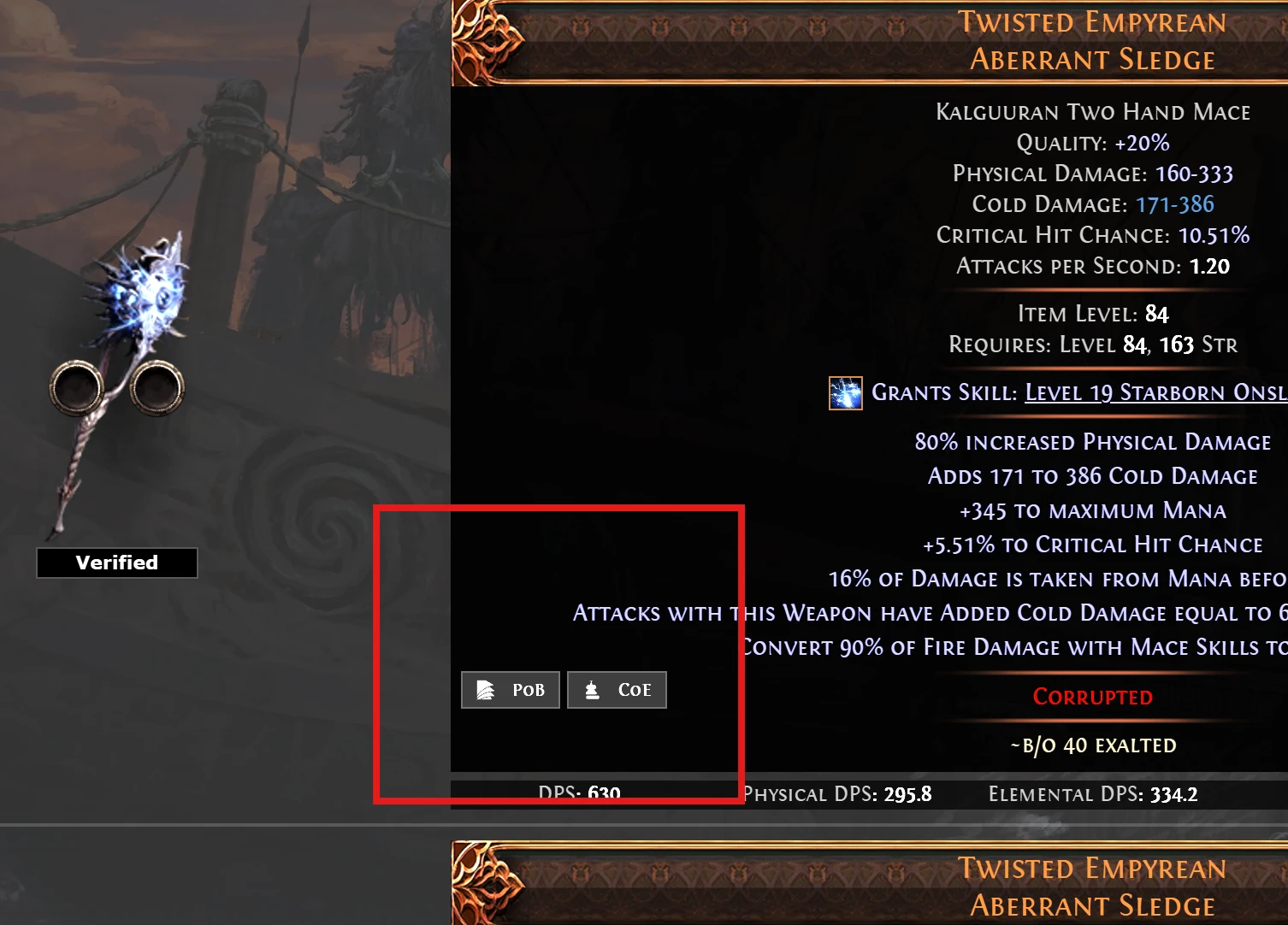
One click copies a listing in Path of Building's import format. The CoE button does the same for Craft of Exile, with the base loaded and the craftable mods matched.

  • Lines the trade site adds for the search, such as pseudo totals, are left out, so nothing is counted twice.
pathofexile.com/trade2
The PoB and CoE copy buttons at the bottom-left of a weapon listing

06Quality tools

See the item at full quality before you buy

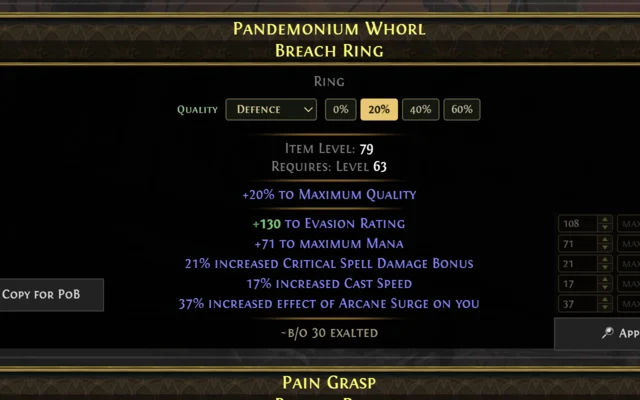
On rings and amulets, pick a catalyst category and a quality % and the affected mods rescale live in green. Weapons and armour show their damage and defences projected to 20% quality.

  • PoE 2 Breach catalysts go up to 40% on amulets and 60% on rings. PoE 1 catalysts go up to 20%.
The quality box on a Breach Ring with the Defence category selected and 0, 20, 40 and 60 percent presets
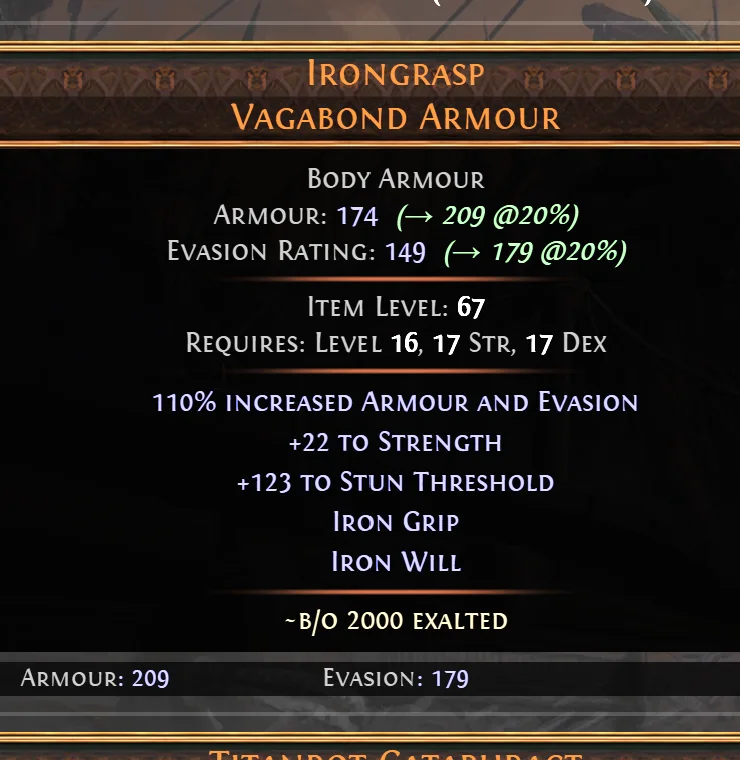
A body armour showing Armour 174, projected to 209 at 20% quality, and Evasion 149, projected to 179

And the essentials

The small things that save an hour a league.

Built around the rate limit

It never searches behind your back.

0

requests while you browse

Pills, highlights and tooltips are read from the page that's already loaded.

1

search per Apply

Apply re-runs the site's own search in place, exactly like clicking Search yourself.

2

sites it talks to

pathofexile.com and poe.ninja. Bookmarks and settings stay in your browser.

Install

Three steps, under a minute.

  1. I

    Add it to Chrome

    Install from the Chrome Web Store. It also works in Chromium browsers that install from the store, such as Edge and Brave.

  2. II

    Open the trade site

    Go to pathofexile.com/trade or /trade2 and run any search.

  3. III

    Use it on the results

    The controls appear on every listing, and the side panel holds bookmarks, pins and history. Switch any feature off in the About tab.

Already using the original Better Trading? Disable it first.

Wraeclast Market is built on the same code, so both extensions add the same panels and buttons to the trade site and end up on top of each other. Keep only one enabled at chrome://extensions.

Questions

Asked before installing.

Is it really free?

Yes. There is no paid tier and no ads inside the extension, and the source is on GitHub.

Does it automate trading?

No. It never whispers, buys or refreshes for you. It adds controls to the page, and a search only runs when you click Apply, press Enter or flip a quick-filter.

Which games and leagues does it support?

Both official trade sites: Path of Exile at /trade and Path of Exile 2 at /trade2, in whichever league you have selected.

Something broke after a patch. What now?

The trade site changes with patches. Open an issue on GitHub with a link to the search so it can be fixed.

Make the trade site work the way you search.

From the same workshop

Exile Codex, the Path of Exile 2 build wiki

Builds, ascendancies, gems, items and the passive tree, summarised from community creators in English and Thai.

Open Exile Codex